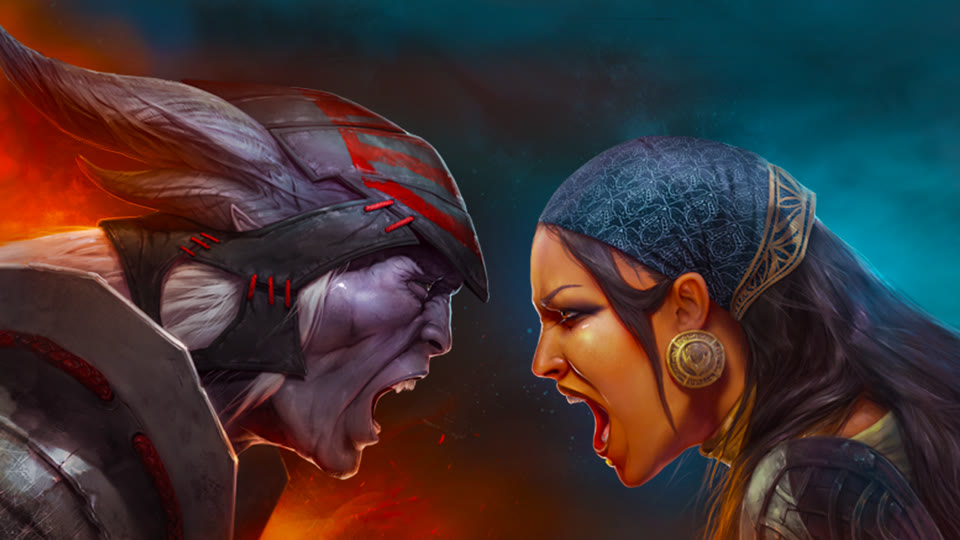
Two warriors roar face to face — Heroes of Dragon Age splash art

A fan project

Heroes of Dragon AgeReborn

Download

  • macOS

    Apple Silicon and Intel · macOS 11 or later

    Heroes-of-Dragon-Age-macos-universal.zip

    Download
  • Windows

    64-bit (x86-64)

    Heroes-of-Dragon-Age-windows-x86_64.zip

    Download
  • Linux

    x86-64

    Heroes-of-Dragon-Age-linux-x86_64.tar.gz

    Download

First launch

Game data download

On first launch the game downloads about 1.4 GB of data.

Data and local saves are kept in a per-user folder:

macOS
~/Library/Application Support/Heroes of Dragon Age
Windows
%APPDATA%\Heroes of Dragon Age
Linux
~/.local/share/Heroes of Dragon Age

macOS

The app is only ad-hoc signed, so macOS won’t open it with a double-click the first time.

  • macOS 15 or later: open the app and dismiss the warning, then click Open Anyway in System Settings → Privacy & Security.
  • macOS 11–14: right-click the app and choose Open.

Windows

Unzip the archive and run Heroes of Dragon Age.exe.

  • If SmartScreen says “Windows protected your PC”, click More info → Run anyway.

Linux

Extract the archive and run the Heroes of Dragon Age file.

  • Downloading the data needs libcurl (libcurl.so.4). Most systems already have it; if yours doesn’t, install your distribution’s libcurl package, such as libcurl4 on Debian and Ubuntu.

Open source

The original game data — art, sound, fonts — belongs to Electronic Arts and is not covered by these licenses.